Backend Guide
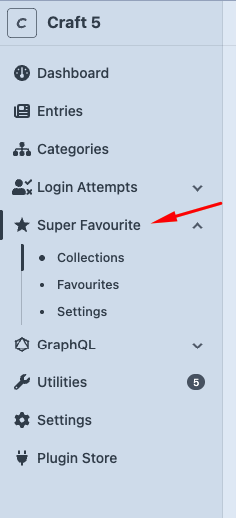
The plugin adds a Super Favourite section to the Craft Control Panel.
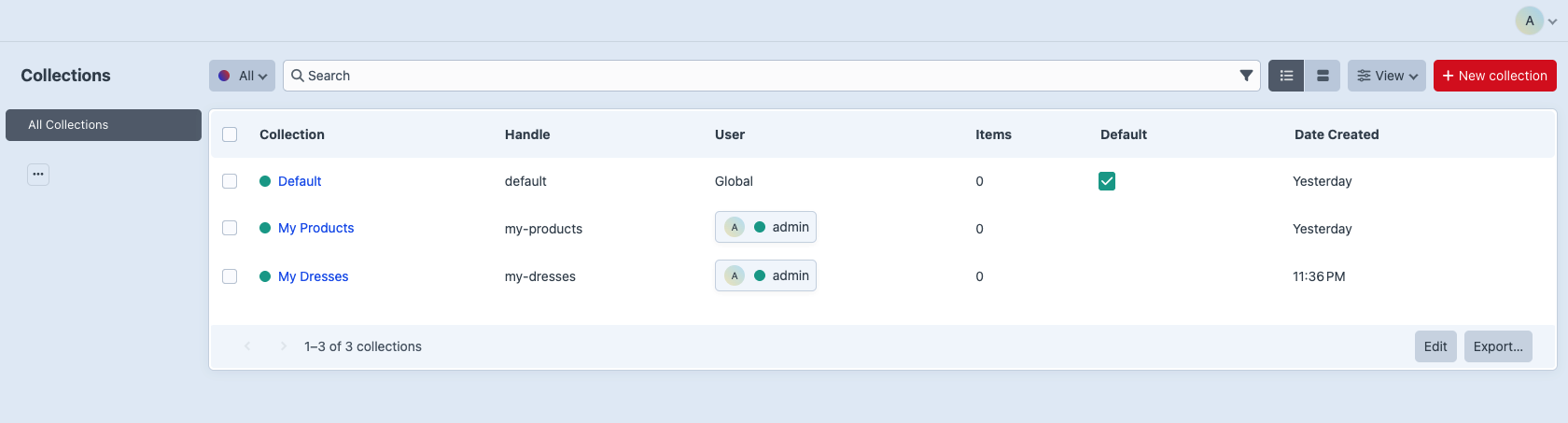
Collections Index
URL: "/admin/super-favourite/collections"
Use this screen to:
- View all collections.
- Search and sort collections.
- See collection owner/global status.
- See item counts.
- Edit a collection.
- Delete a collection when it is allowed.
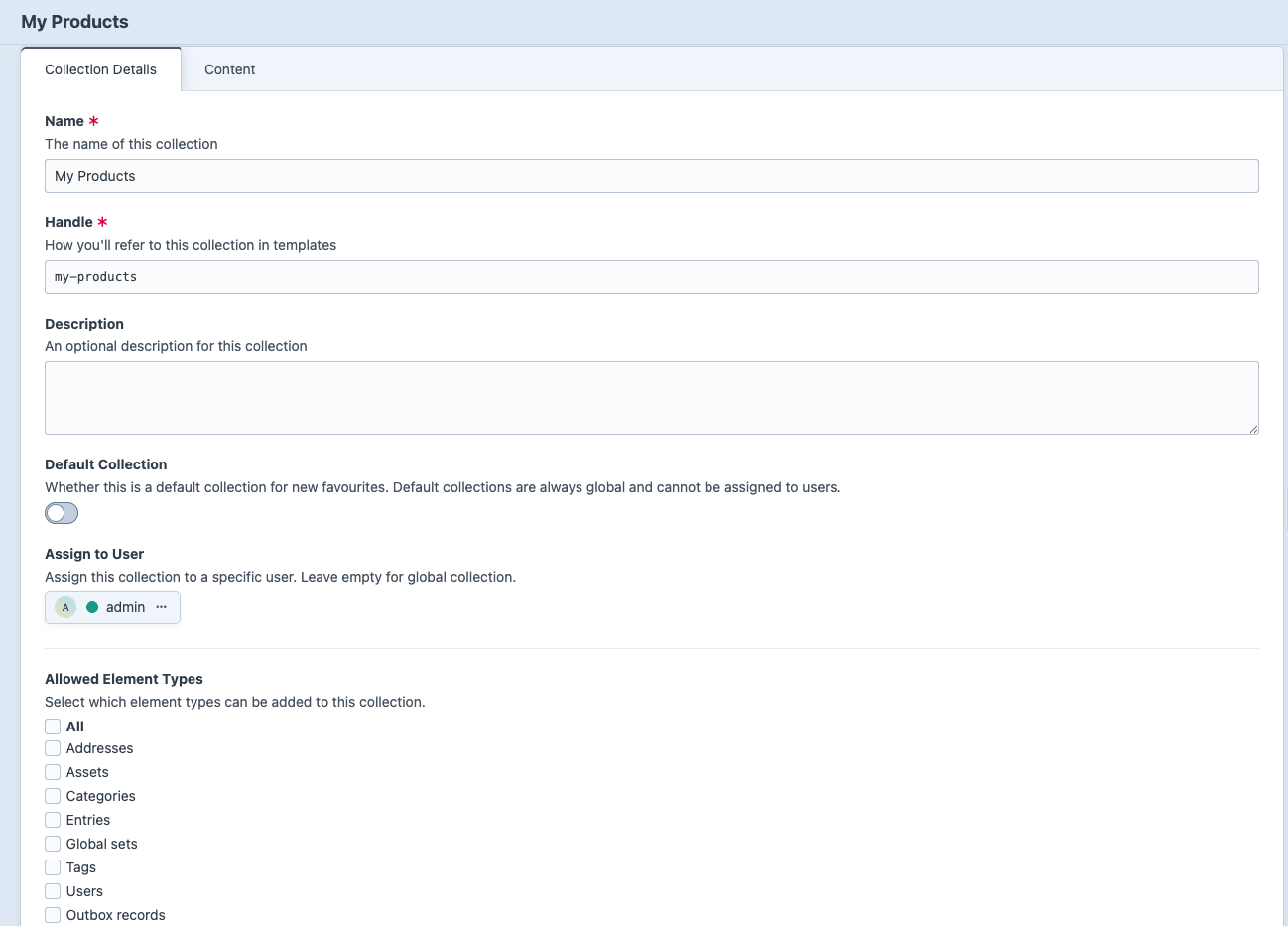
Create or Edit a Collection
- Go to Super Favourite -> Collections.
- Click New Collection.
- Enter Name and Handle.
- Set ownership and default behavior:
- Leave Assign to User empty for a global collection.
- Choose a user for a user-owned collection.
- Enable Default Collection when you want a shared collection that favourite forms can explicitly target.
- Choose allowed element types, or leave all enabled.
- Fill any collection custom fields.
- Save.
Global collections are available site-wide. User collections belong to one Craft user. Default collections are global, so the user field is hidden and cleared when default is enabled.
Creating, editing, deleting, reordering, or setting default global collections requires admin access or super-favourite:manage-global-collections.
An existing default collection cannot be unset directly. Set another global collection as default instead, which automatically clears the previous default.

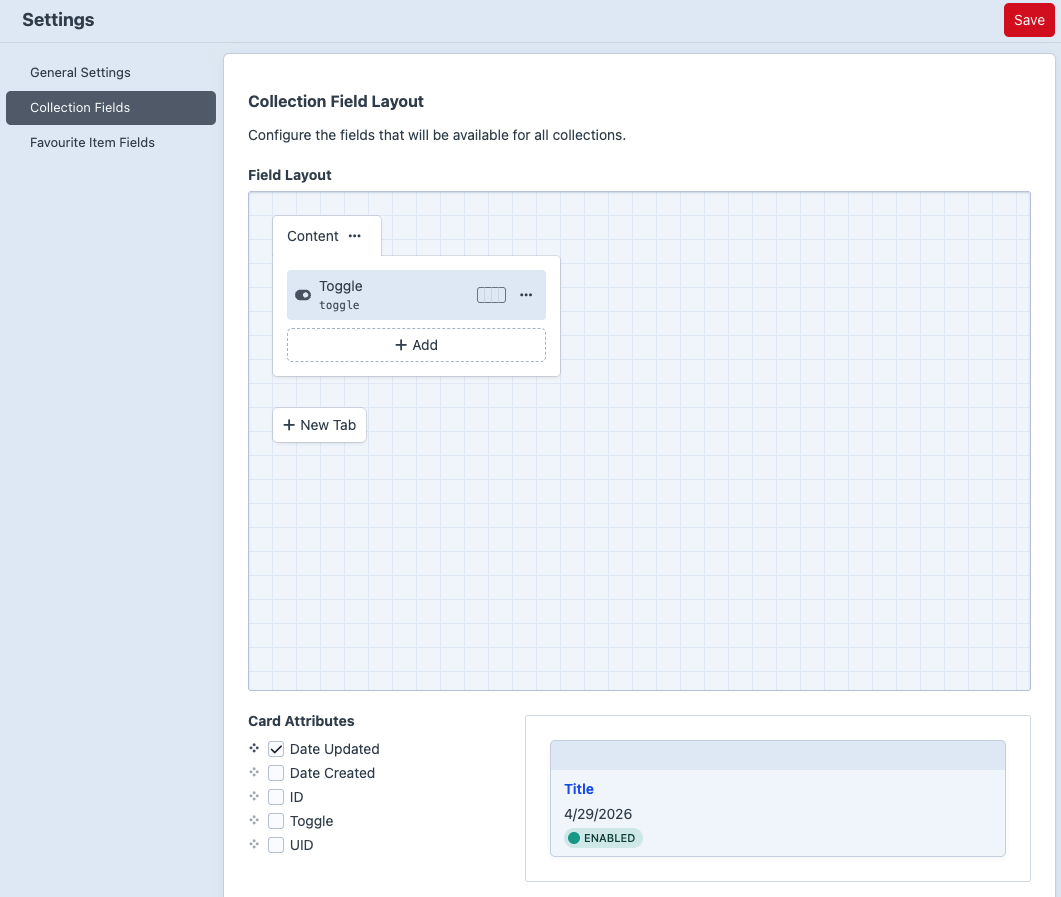
Collection Custom Fields
Go to: "Super Favourite -> Settings -> Collection Fields"
Use this when collections need editorial metadata, display settings, image fields, or any other Craft custom field. After adding fields, the fields appear as tabs on the collection edit screen.
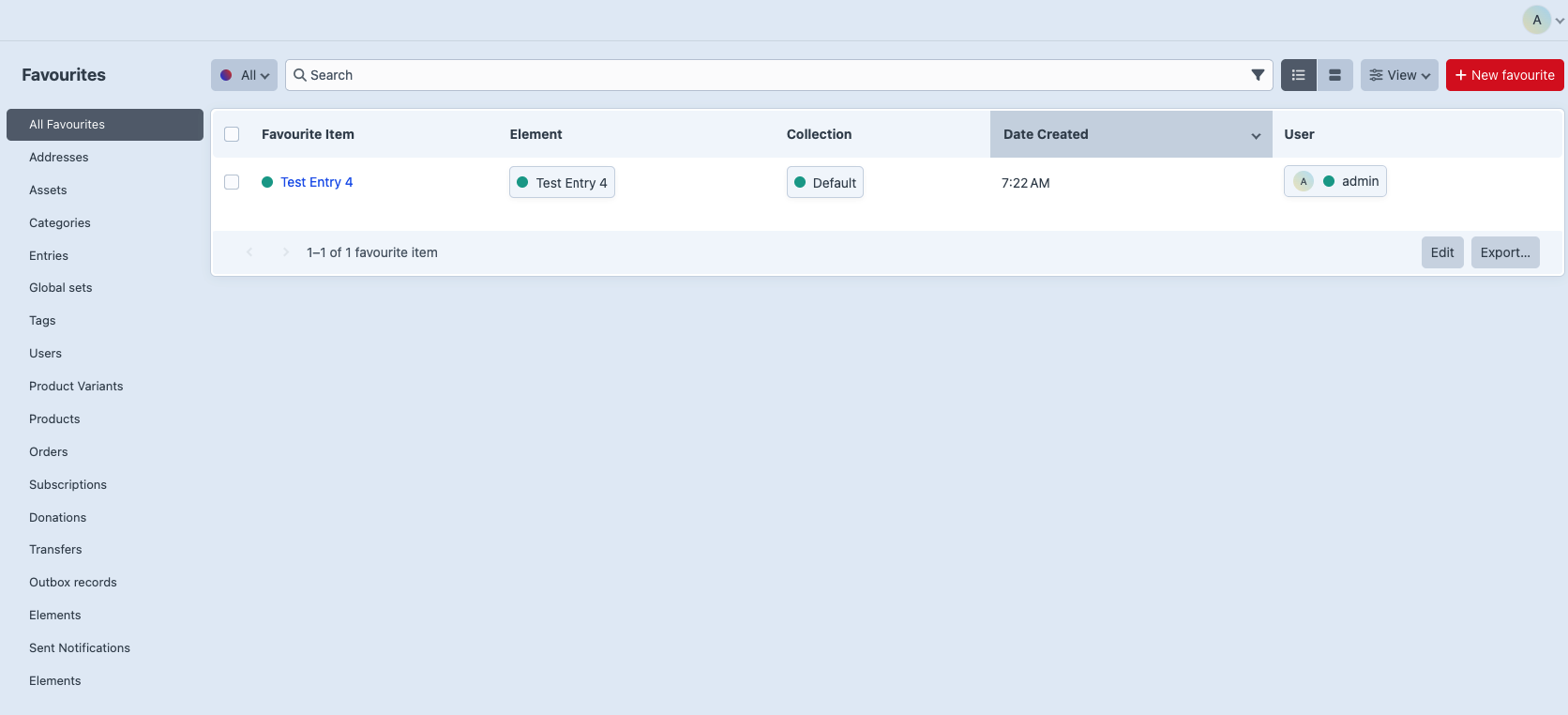
Favourites Index
URL: "/admin/super-favourite/favourites"/p>
Use this screen to:
- View all favourite items.
- Filter by user.
- Filter by collection.
- Filter by favourited element type.
- Edit notes or custom fields.
- Delete favourite items.
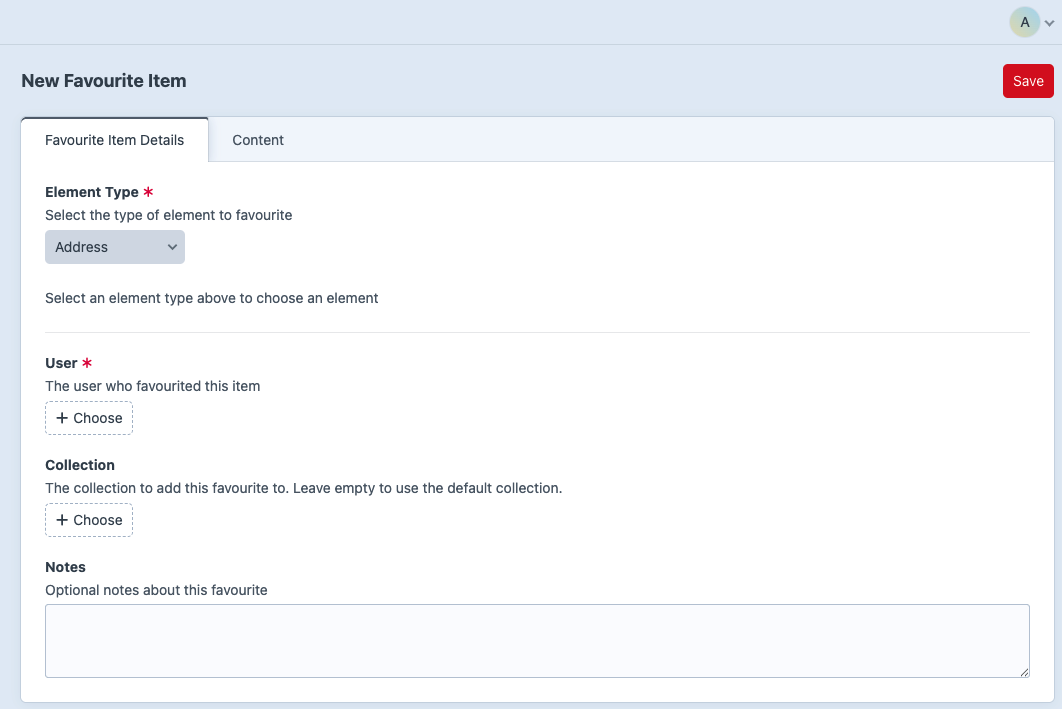
Create a Favourite in the CP
- Go to Super Favourite -> Favourites.
- Click New Favourite Item.
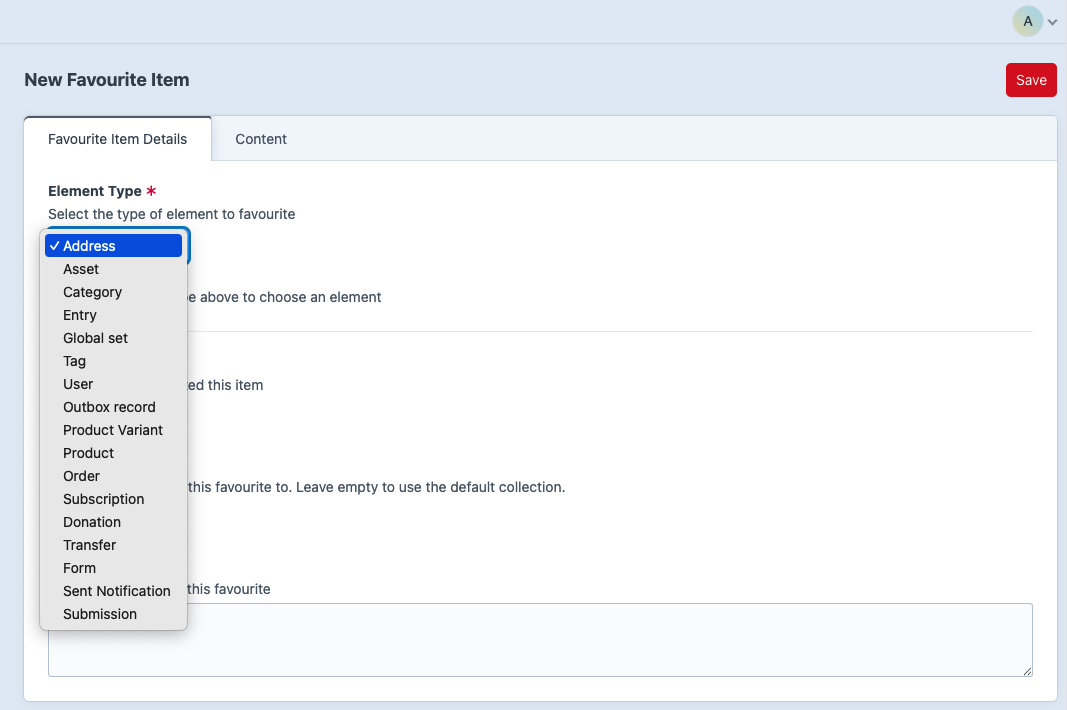
- Choose an Element Type.
- Select the actual element.
- Select the user.
- Select the collection.
- Add notes or custom field values.
- Save.
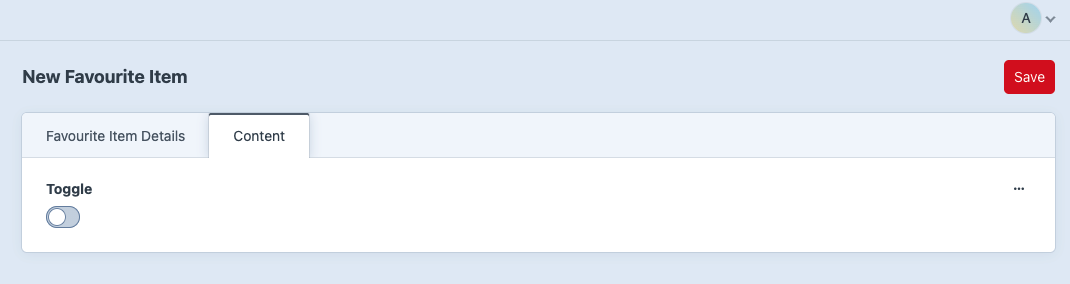
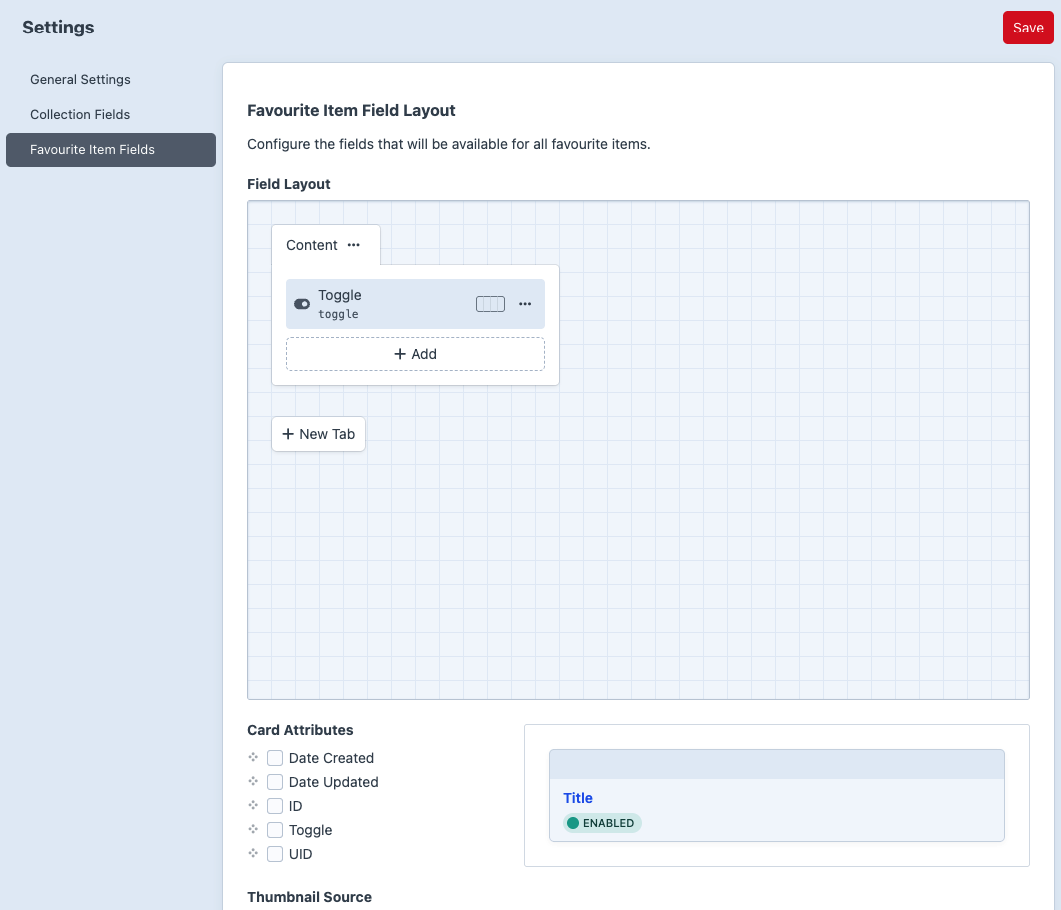
Favourite Custom Fields
Go to: "Super Favourite -> Settings -> Favourite Fields"
Use this when saved items need metadata such as reason, priority, reminder date, or editorial notes.
Delete Rules
Collections:
- Default collections cannot be deleted.
- Collections with enabled favourite items are protected at the element level.
- The collection delete action can optionally delete items when called through the service/controller, but element-level validation can still prevent unsafe deletion.
Favourite items:
- Favourite items can be deleted from the CP by users with manage permission.
- Frontend delete/remove actions require login and ownership/admin checks where applicable.
Permissions
The plugin registers:
- super-favourite:view-favourites
- super-favourite:manage-favourites
- super-favourite:view-collections
- super-favourite:manage-collections
- super-favourite:manage-global-collections
Craft's plugin access permission is also used for settings screens.