Installation and Setup
Installation
composer require amici/craft-super-favourite
php craft plugin/install super-favourite
You can also install it from the Control Panel at Settings -> Plugins.
First Setup Checklist
- Go to Super Favourite -> Settings -> General.
- Set the plugin name if you want a different CP nav label.
- Set collection and favourite limits if needed. Use
0for unlimited. - Go to Super Favourite -> Settings -> Collection Fields if collections need custom fields.
- Go to Super Favourite -> Settings -> Favourite Fields if favourite items need custom fields.
- Go to Super Favourite -> Collections and create at least one default/global collection.
Settings
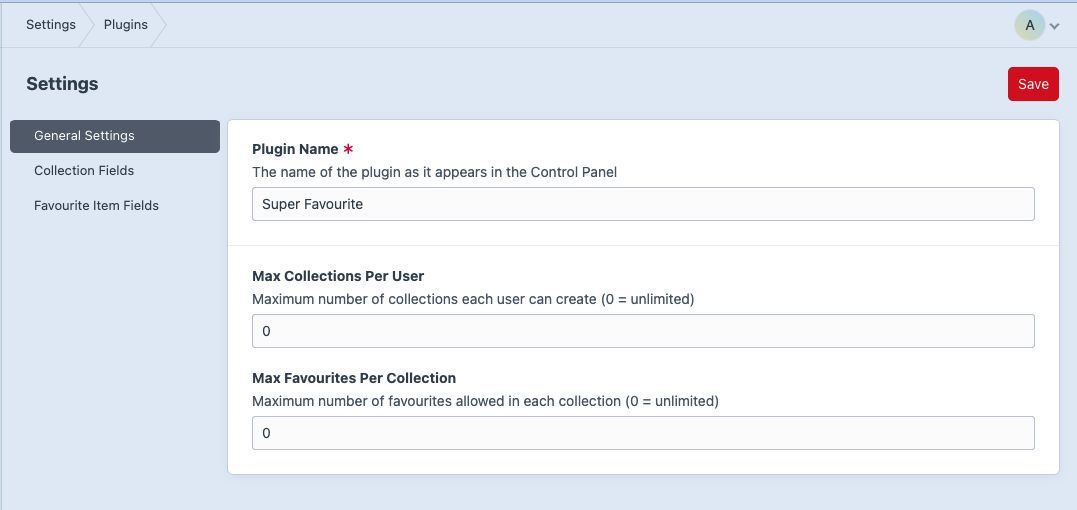
The general settings screen currently supports:
Plugin Name- label used in the Control Panel navigation.Max Collections Per User-0means unlimited.Max Favourites Per Collection-0means unlimited.
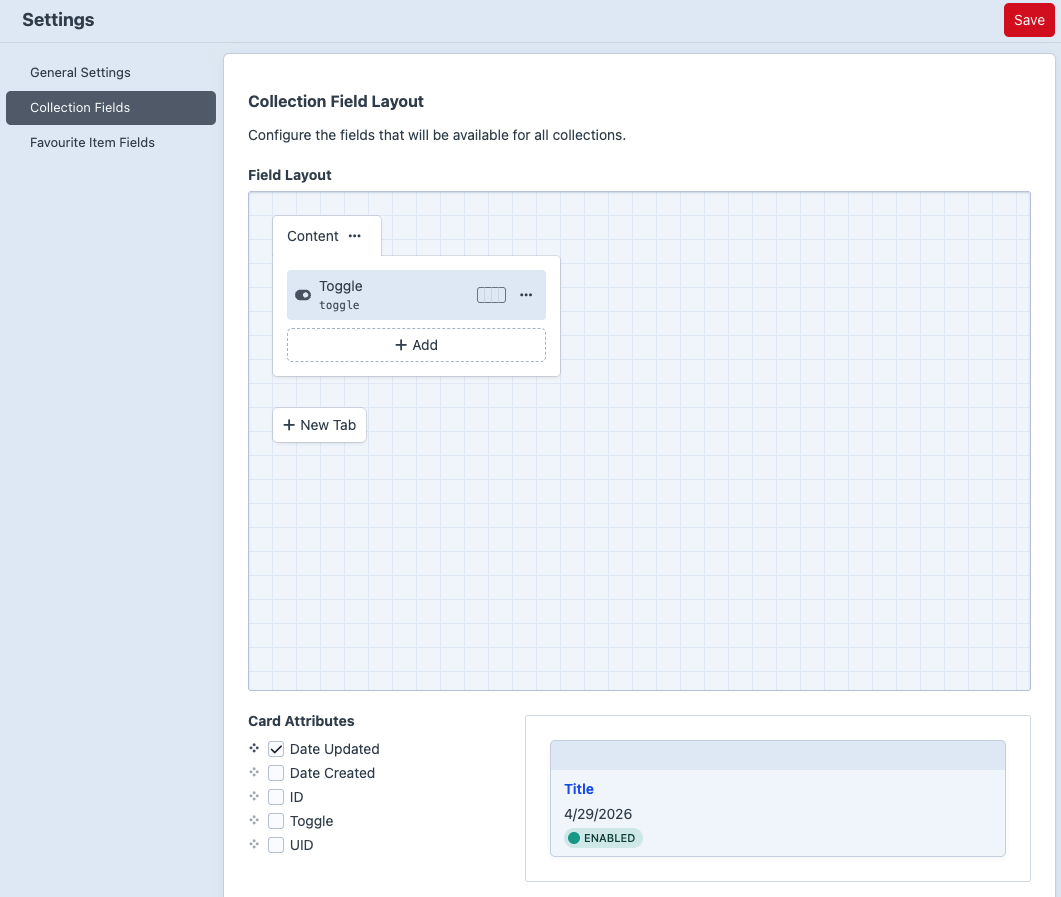
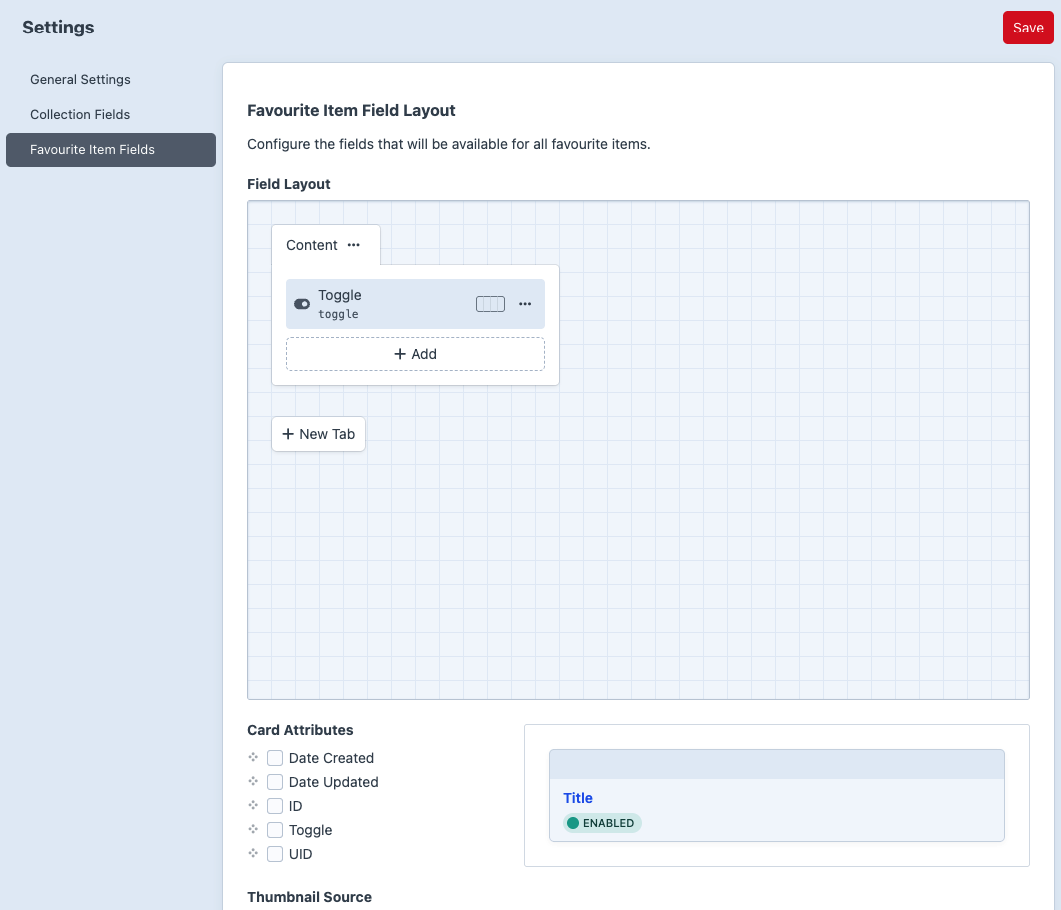
Field layout screens support:
- Collection custom fields.
- Favourite item custom fields.
Default Collection
The install migration creates a global collection named Default with handle default.
Favourite save/add forms must submit a valid collectionId. Use the default collection explicitly when that is where the favourite should be saved.