Settings
Settings & Commands
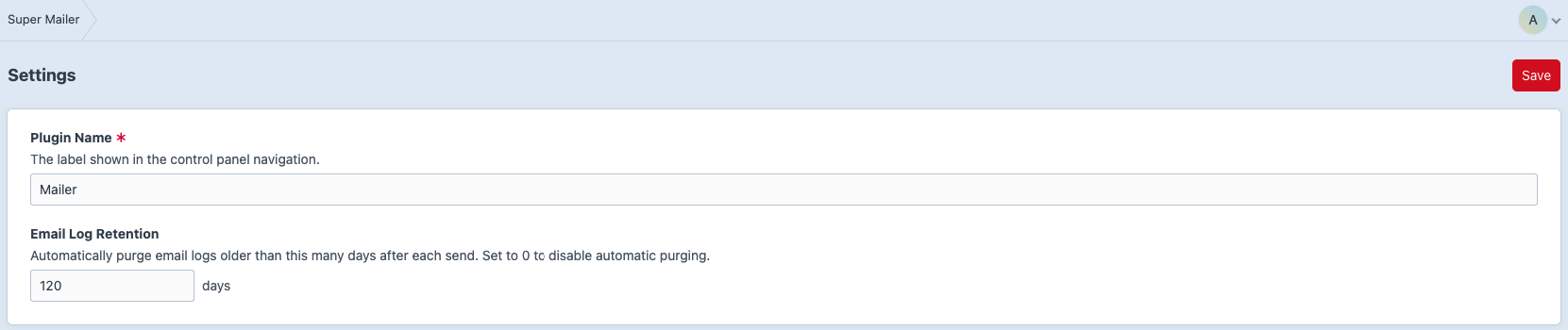
Go to Super Mailer -> Settings.
Available settings:
- Plugin Name: label shown in the Control Panel navigation.
- Email Log Retention: number of days to keep email logs.
Set retention to 0 to disable automatic purging.
Console Commands
Purge Logs by Retention
php craft super-mailer/logs/purge
{# This uses the configured Email Log Retention value unless a custom retention value is provided by the command options. #}
Purge All Logs
php craft super-mailer/logs/purge-all
{# This permanently deletes all email logs. #}
Queue
Super Mailer sends email through Craft's queue. For production, use a queue worker. Or use a supervisor-managed worker.
php craft queue/listenMailer
Super Mailer uses Craft's configured mailer transport. Test the Craft mailer before debugging Super Mailer sends:
php craft mailer/test --to=to@example.com